Type a message to Fin in the voice preview
Type or talk in the Fin Voice preview
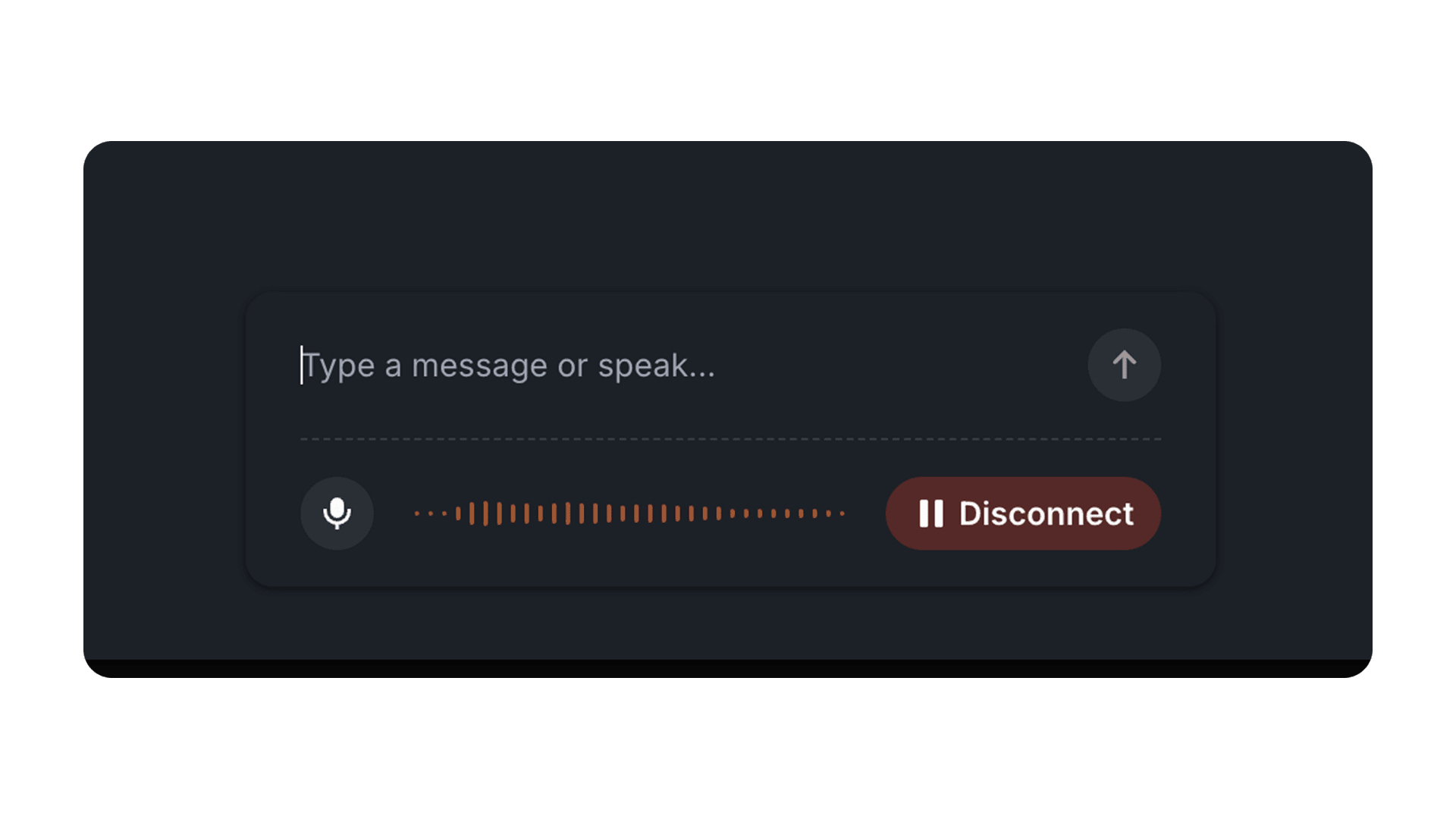
A text box now sits above the call controls in the Fin Voice preview. Typing and talking mix freely in the same call, and the mic stays live, so you can type one turn and speak the next.
Mixed input: Type one turn and speak the next without restarting the call or the preview.
Mic stays live: Switching to the keyboard does not mute you, so the conversation keeps its flow.
Test before launch: The preview shows how Fin responds to callers across FAQs, complex scenarios, and sensitive topics before you go live.
Mic stays live: Switching to the keyboard does not mute you, so the conversation keeps its flow.
Test before launch: The preview shows how Fin responds to callers across FAQs, complex scenarios, and sensitive topics before you go live.